
WEBP / PNG / JPG Image Converter
🔄 WEBP / PNG / JPG Image Converter
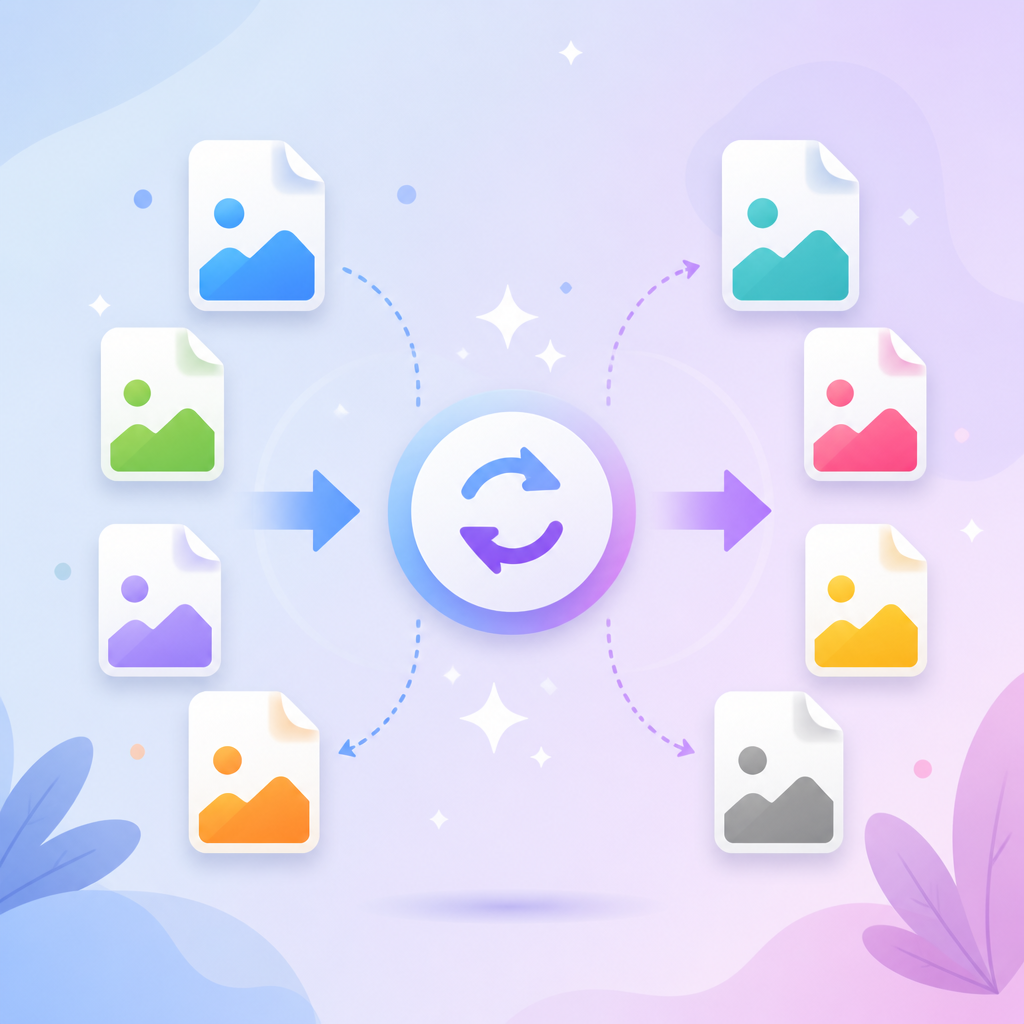
Convert PNG, JPG, WEBP, or GIF images online instantly. Compress file size while preserving high visual quality for fast website loading.
Why Convert Images to Next-Gen WEBP Format?
WEBP is a modern image format developed by Google that provides superior lossy and lossless compression for images on the web. Using WEBP allows webmasters and developers to create smaller, richer images that make the web faster.
On average, WEBP lossless images are 26% smaller in size compared to PNGs, and WEBP lossy images are 25-34% smaller than comparable JPEG images without sacrificing noticeable visual quality.
Image Format Comparison Guide
| Format | Transparency | Compression | Best Use Case |
|---|---|---|---|
| WEBP | Yes (Alpha Channel) | Lossy & Lossless | Blog posts, website graphics, ecommerce product images. |
| PNG | Yes (Alpha Channel) | Lossless (High File Size) | Logos, icons, screenshots, vector graphics needing transparency. |
| JPG / JPEG | No | Lossy (Medium File Size) | High-resolution photography, complex artwork without transparency. |
How Image Optimization Boosts Google Search Rankings
Large uncompressed images are the single biggest cause of slow page loading times on mobile devices. Google uses Core Web Vitals (specifically Largest Contentful Paint - LCP) as a key ranking factor.
By converting heavy PNGs or JPEGs into lightweight WEBP format, your site loads significantly faster, lowering bounce rates and gaining a competitive advantage in Google SERP rankings.
Frequently Asked Questions (FAQ)
No! All conversion is performed locally in your browser using HTML5 Canvas API. Your photos never leave your device or get uploaded to any server.
No, WEBP fully supports transparent backgrounds just like PNG files, while keeping the overall file size much smaller.


Comments
Post a Comment