
Image Resizer Tool
🖼️ Advanced Image Resizer & Converter
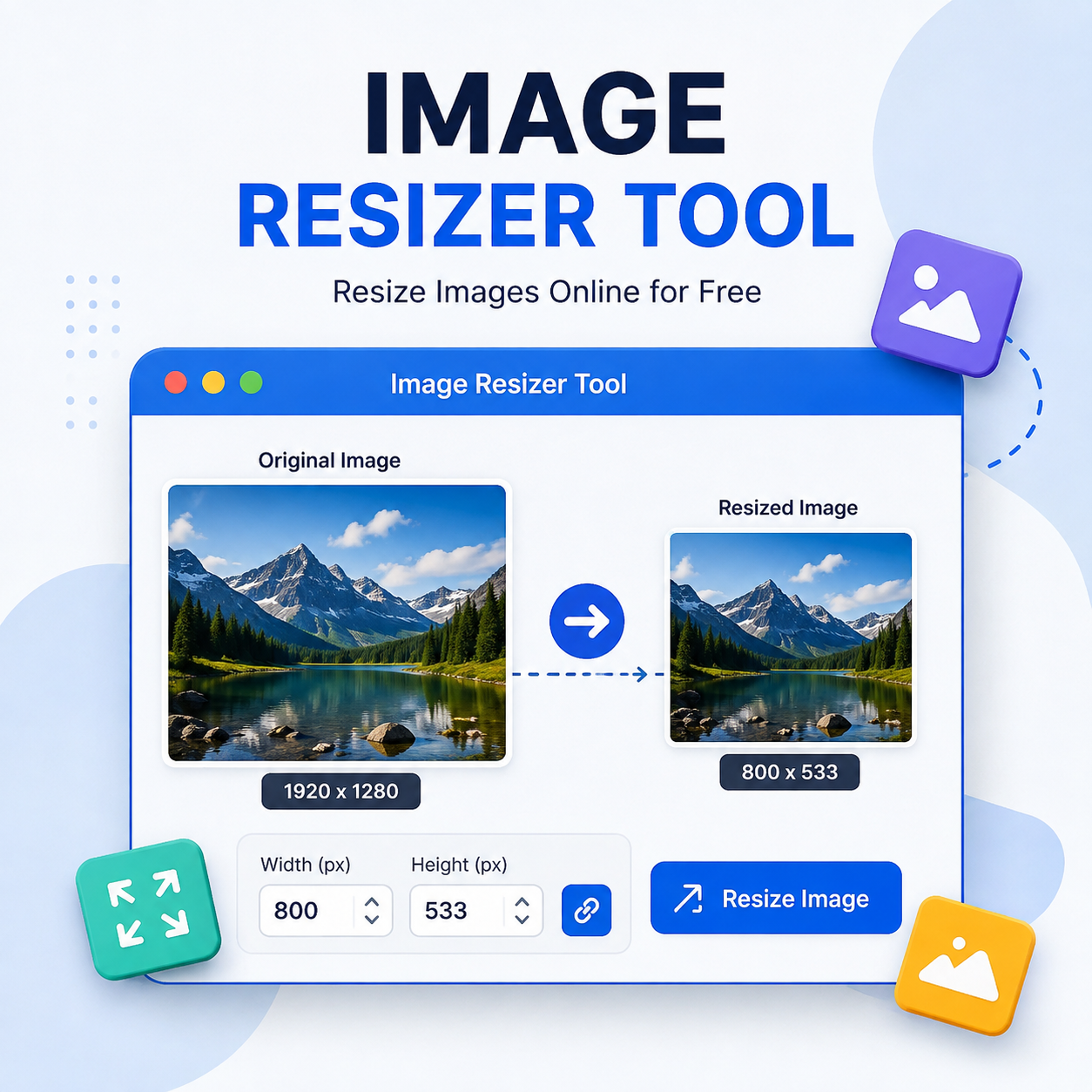
Resize image dimensions, preserve aspect ratios, adjust compression quality, and convert formats (WEBP, PNG, JPG) instantly in your browser.
Supports JPG, PNG, WEBP, BMP (Max: 20MB)
Why Image Resizing is Crucial for Web Performance & SEO
High-resolution digital photos captured by modern smartphones or DSLR cameras often contain dimensions exceeding 4000x3000 pixels with file sizes ranging from 5MB to 15MB. Serving raw, uncompressed high-resolution images directly to web visitors creates severe web performance bottlenecks.
Google's Core Web Vitals ranking criteria heavily reward websites with fast Largest Contentful Paint (LCP) times. Resizing pixel dimensions to match actual display containers reduces page load latency, conserves user mobile data, and significantly lowers bounce rates.
Web Image Formats Compared
Choosing the correct file output format ensures optimal visual clarity at minimum byte sizes:
| Format | Best Used For | Transparency | Compression Type |
|---|---|---|---|
| WEBP | Modern websites, blog banners, web apps | Yes | Lossy / Lossless |
| JPEG / JPG | Complex photography, rich color gradients | No | Lossy |
| PNG | Logos, vector graphics, transparent icons | Yes | Lossless |
How to Use This Resizer Step-by-Step
- Upload Source File: Click the drop box or drag your image directly into the file area.
- Set Pixel Dimensions: Enter your target Width or Height. With Lock Aspect Ratio enabled, the opposite dimension automatically adjusts proportionally.
- Select Output Format: Choose WEBP for maximum website speed, JPG for photographs, or PNG for lossless transparency.
- Adjust Compression: Lower the quality slider (e.g., 80-85%) to achieve substantial file size reductions with zero noticeable visual degradation.
- Resize & Save: Click Resize & Process Image to preview output, then hit Download Resized Image.
Frequently Asked Questions (FAQ)
No. All image processing runs 100% locally inside your web browser using HTML5 Canvas technology. Your photos are never uploaded or sent to external servers, guaranteeing complete privacy.
Locking aspect ratio preserves the natural proportion between image width and height, preventing your image from looking stretched or squished after resizing.
WEBP generally yields 25% to 34% smaller file sizes compared to JPEG at equivalent visual quality levels, making it ideal for web publishing.
Yes. The tool is fully responsive and compatible with Android, iOS, Windows, and macOS browsers.


Comments
Post a Comment