HTML Viewer & Live Preview Sandbox
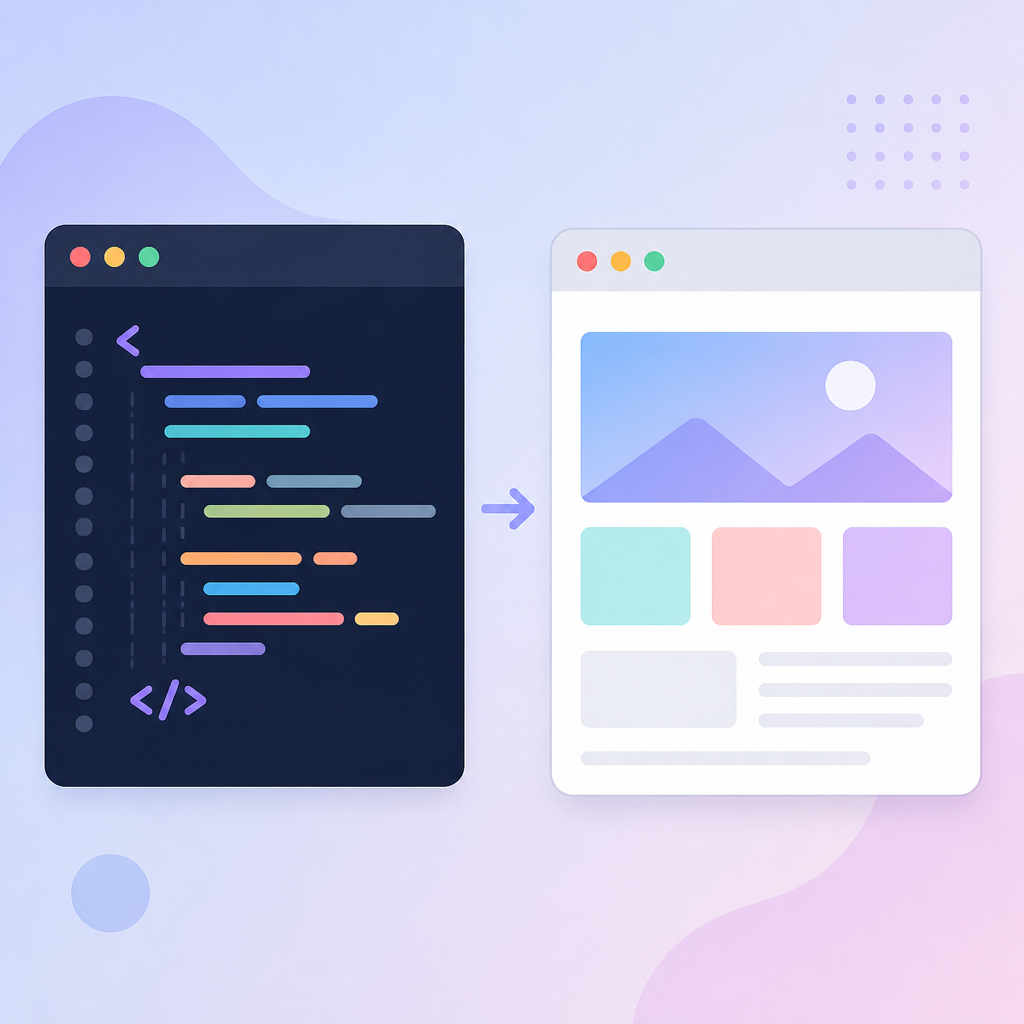
HTML Code Editor
Live Result
Instant Browser-Based HTML Testing Tool
The HTML Viewer & Live Preview Sandbox by MuseHub Creative allows web developers, students, bloggers, and designers to test, debug, and render raw HTML code in real time. Instead of saving files locally and opening them repeatedly in web browsers, this utility provides an instant side-by-side editing canvas where you can execute code and inspect output within seconds.
How to Use the HTML Viewer
- Enter Code: Copy and paste your raw HTML markup into the Code Editor box on the left.
- Execute Render: Click the "Run Code & Preview" button to execute your code snippet.
- Inspect Output: View the live, formatted visual output instantly inside the frame on the right.
Key Features & Utility Highlights
- Instant Rendering: Sandbox environment powered by browser client-side execution for immediate feedback.
- Inline Styling & Script Support: Test full HTML elements along with inline CSS styling (
<style>) and basic script blocks. - 100% Free & Unlimited: Run and test code snippets endlessly without registration, login, or usage fees.
- Mobile-Optimized Interface: Responsive design automatically stacks editor and preview frames cleanly on smartphone screens.
Who Benefits From This Tool?
This HTML utility supports multiple digital tasks and educational needs:
- Blogger & WordPress Creators: Test custom HTML tables, callout boxes, and widget embed codes before publishing on live posts.
- Coding Students: Practice HTML tags, text formatting, hyperlink structures, and image embeds interactively.
- Email Designers: Preview raw HTML email templates and inline CSS elements quickly.
Safe & Private Client-Side Sandbox
Your code privacy is fully protected. All code rendering takes place locally inside your browser using isolated iframe execution. None of your code snippets, scripts, or text data are transmitted, saved, or monitored on remote servers.
Frequently Asked Questions (FAQ)
Q1: Does this tool support CSS styles and JavaScript execution?
Yes! You can write inline CSS within <style> tags and standard JavaScript inside <script> blocks to test full interactive widgets.
Q2: Is my HTML code saved on any server?
No. Execution is 100% client-side. Refreshing or closing the browser tab completely clears the code workspace.
Q3: Why isn't my image loading in the preview box?
Ensure that your image uses a full direct web URL (e.g., https://example.com/image.jpg) rather than a local file path on your desktop.

No comments:
Post a Comment