JPG to PDF Converter Tool
🖼️ Online JPG to PDF Converter
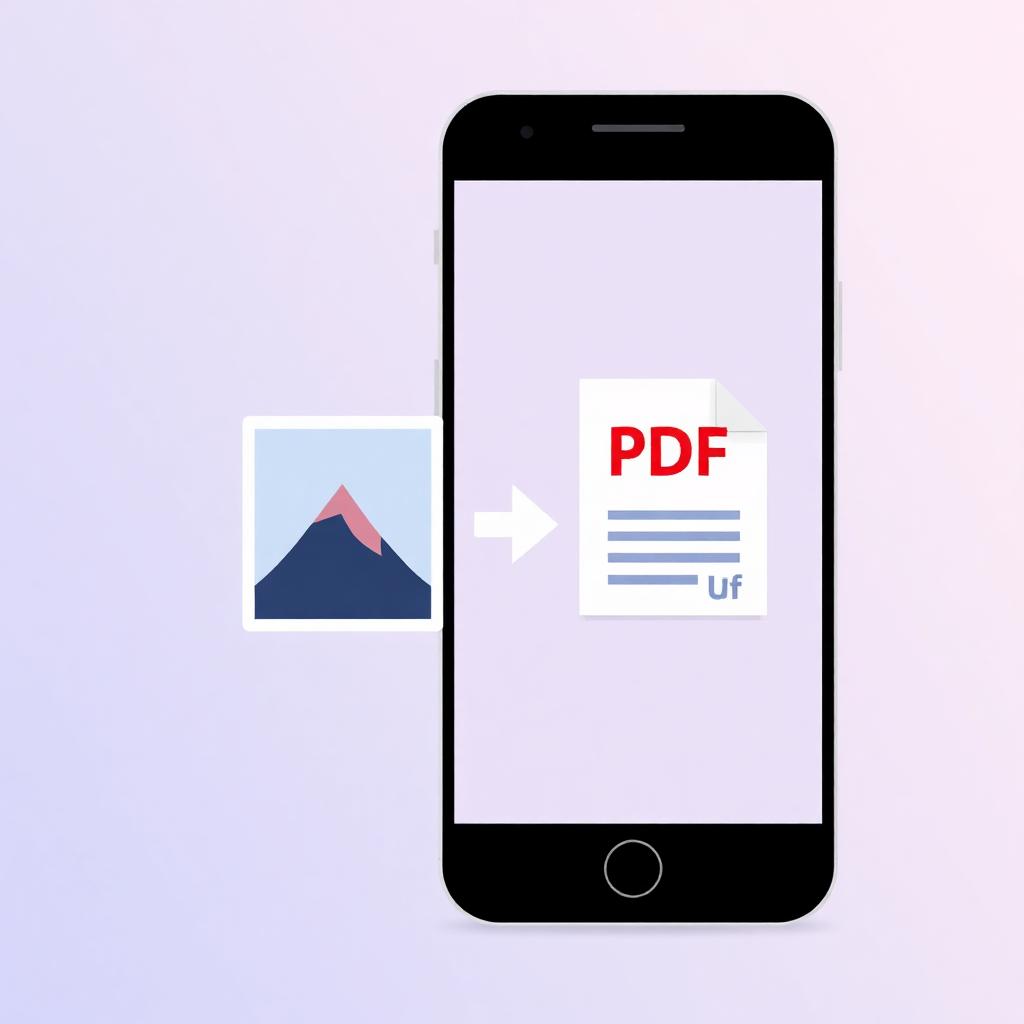
Convert JPG, PNG, and WEBP photos into a clean, printable PDF document instantly inside your web browser.
🖼️
Click to Choose Images or Drag & Drop
Supports JPG, JPEG, PNG, WEBP, and BMP files
Why Convert Images (JPG/PNG) to PDF?
Portable Document Format (PDF) is the universal document standard required by government web portals, educational institutions, and employment platforms. Converting raw JPEG photos into a structured PDF ensures that:
- Multiple loose photos are consolidated into a single orderly multi-page document.
- Page dimensions and document layout remain identical across all mobile devices and desktops.
- File size is optimized for hassle-free email attachments and fast form submissions.
Technical Specifications
| Specification | Details |
|---|---|
| Supported Inputs | JPG, JPEG, PNG, WEBP, BMP |
| Privacy & Security | 100% Client-Side Processing (No server uploads) |
| Output Quality | Original Image Resolution Preserved |
| Cost & Limits | 100% Free with Unlimited Conversions |
How to Convert JPG Images to PDF Online
- Upload Images: Click the drop zone or drag and drop your photos into the converter.
- Organize Sequence: Use the ⬅️ and ➡️ buttons below each thumbnail to change page ordering.
- Customize Layout: Select your preferred page orientation and margin padding settings.
- Generate PDF: Click "Convert Images to PDF" and instantly download your combined document.
Frequently Asked Questions (FAQ)
Q1: Is it safe to convert private photos and identity cards here?
Yes! Your files are processed entirely inside your web browser's RAM. No image data is ever uploaded to external servers.
Q2: Can I combine PNG and JPG images into the same PDF?
Yes. You can select a mix of JPEG, PNG, and WEBP formats simultaneously; our converter handles all of them smoothly.


Comments
Post a Comment